
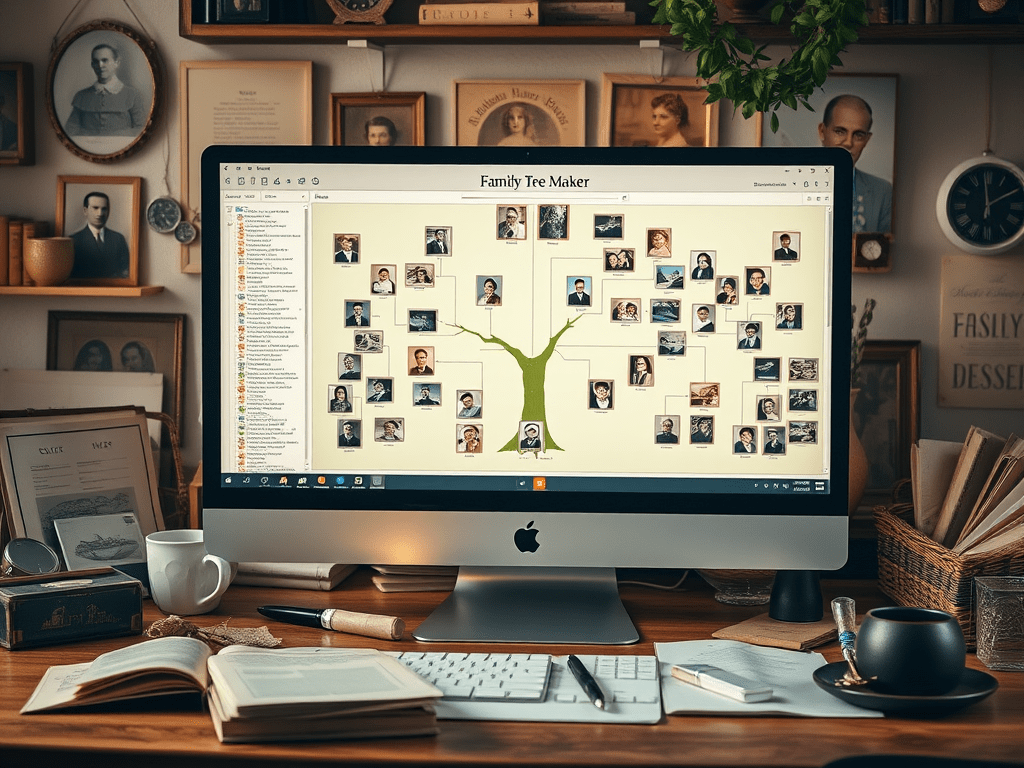
I’ve been using Family Tree Maker (FTM) for a while now, and it’s become my go-to desktop software for building and organizing my family tree. It gives me the control I want offline while still syncing beautifully with my Ancestry.com tree when needed. It’s a powerful combination of flexibility, privacy, and deep customization.
What It Does and How I Use It
Family Tree Maker is a standalone software program, not a website, so I install it directly on my computer. It helps me manage everything—from names and dates to sources, photos, and custom facts—all in one place. The layout is intuitive, and I can view my tree in several ways: pedigree, family, or descendant charts. I can also generate printable reports, timelines, and beautiful charts for sharing with family.
Syncing with Ancestry and FamilySearch
One of the features I use the most is the TreeSync® functionality (now called FamilySync®). It lets me sync my FTM tree with my Ancestry.com tree—either direction or both—so I can work offline and later upload my changes. I can also download trees from Ancestry to use in FTM, which is helpful when collaborating or reviewing others’ work.
FTM also connects to FamilySearch, so I can search for records and compare individuals in my tree with FamilySearch entries. While it doesn’t sync like Ancestry, the integration is still functional when I’m hunting for historical records or verifying someone’s information.
Subscription and Ownership
Unlike Ancestry.com, which requires a monthly subscription, Family Tree Maker is a one-time purchase. I bought my version directly from Mackiev, the official developer, and paid a flat fee (usually around $79.95 for a full license, sometimes less during sales). That price includes updates to the current version and offers discounted upgrades when a significant new version comes out.
FTM doesn’t require a subscription, but to fully utilize its syncing and web search tools, I need active subscriptions to Ancestry.com or FamilySearch. Still, I appreciate that once I’ve bought the software, I can keep using it forever—even if I cancel my online subscriptions.
Privacy and Security
Because Family Tree Maker lives on my computer, I have complete control over my files. I regularly back up my tree files to an external hard drive just in case something goes wrong with my system. I don’t have to worry about online servers or third-party access. If I want to share a tree with someone else, I can export a GEDCOM file or generate a custom report.
Even when I use the sync features, FTM gives me choices about what data to sync, what to keep local, and how to handle changes. I like having that level of control—it keeps my research safe and organized.
Summary
What I appreciate about Family Tree Maker is the ability to download everything I’ve added to my Ancestry.com tree, including the files and images I’ve uploaded. When I create a tree on Ancestry and attach third-party documents, such as marriage licenses, death certificates, or personal stories I’ve written, that content isn’t part of Ancestry’s core database. Ancestry keeps it accessible as long as I maintain an active subscription, but if I cancel, they’ll keep a backup of my tree—without those custom attachments.
Since I’m only human and don’t know how long I’ll be around—or whether any of my family members will be interested in genealogy, I don’t want to risk losing that work. With Family Tree Maker’s sync feature, I can pull all that data down to my computer, including every document and image I’ve added. From there, I back everything up to my hard drive (I don’t use the cloud), so that if any relative decides to pick up where I left off, they’ll have access to the full depth of my research—not just what Ancestry chooses to preserve. I’ve made FTM into a robust digital archive for my research.
In short, Family Tree Maker gives me the best of both worlds: the depth and polish of desktop software and the ability to sync with major online databases when needed. It’s perfect for managing large trees, working offline, and maintaining a detailed and well-documented family history. It’s become an essential part of my genealogy toolkit for serious research and long-term organization.
GEDCOM
I have mentioned this previously but have not provided a description. So here it is:
When I began building family trees on various platforms, I quickly discovered GEDCOM, a file format developed by the LDS Church in the 1980s to assist genealogists in sharing data across software and systems. It has proven incredibly useful for me—when I transfer a tree from Family Tree Maker to Ancestry.com, I export and upload the GEDCOM file, which transfers all my names, dates, relationships, and notes.
While GEDCOM doesn’t always include media like photos or scanned documents, and some formatting may not transfer perfectly, it still gives me the flexibility to back up my research and share it across platforms. It’s reassuring that my work isn’t locked into a single program and that I can keep exploring my family history without starting over each time.
 Echo's of Our Ancestors
Leave a comment